These aren't the users you're looking for
Confusion is inevitable, so when do you need to pay attention?
Published:
Does this sound familiar? Someone in your company posts a Hotjar recording in Slack with a message like "Can we fix this? People are getting confused." Before you leap into action, I think there are two questions worth asking:
How many people are hitting this problem? Is it 50% of users, or did your coworker just happen to catch this one person struggling? If it's half your users, absolutely, get on it. This is a simple question of statistical significance, and it should always be answered first.
Who is this person, and should the UI be working better for them?
That second question is the one I want to dig into.
The spectrum
Imagine your grandparent using the app you're designing. What kind of horrific Hotjar recording would that produce? Now imagine the opposite—a tech-savvy power user with all the domain knowledge you could hope for. Very different results.
These are two ends of a spectrum. And here's the thing: there is no "best" design that covers both. If you optimize for your grandma, your power user is going to be frustrated. Optimize for the power user, and your poor, sweet grandma is going to be lost.
You have to pick a slice of that spectrum and design intentionally for it. And that slice can only be so wide.
What's the difference?
In my experience, where this plays out most often is density.
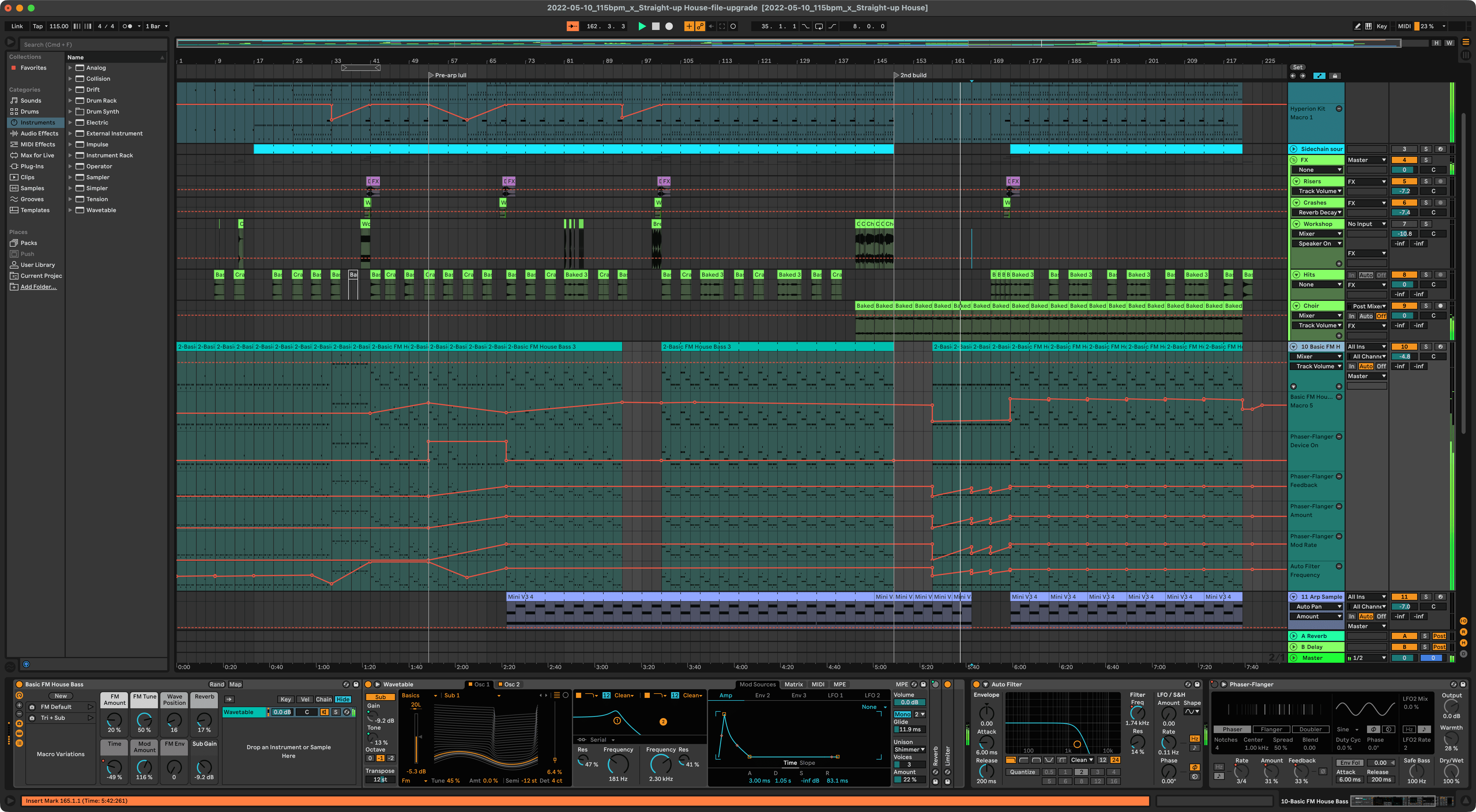
Power users typically want dense interfaces—more options visible at once, fewer clicks to get where they're going. Think music production or 3D modeling software. Smaller controls, fewer labels, lots of information packed into tight spaces.
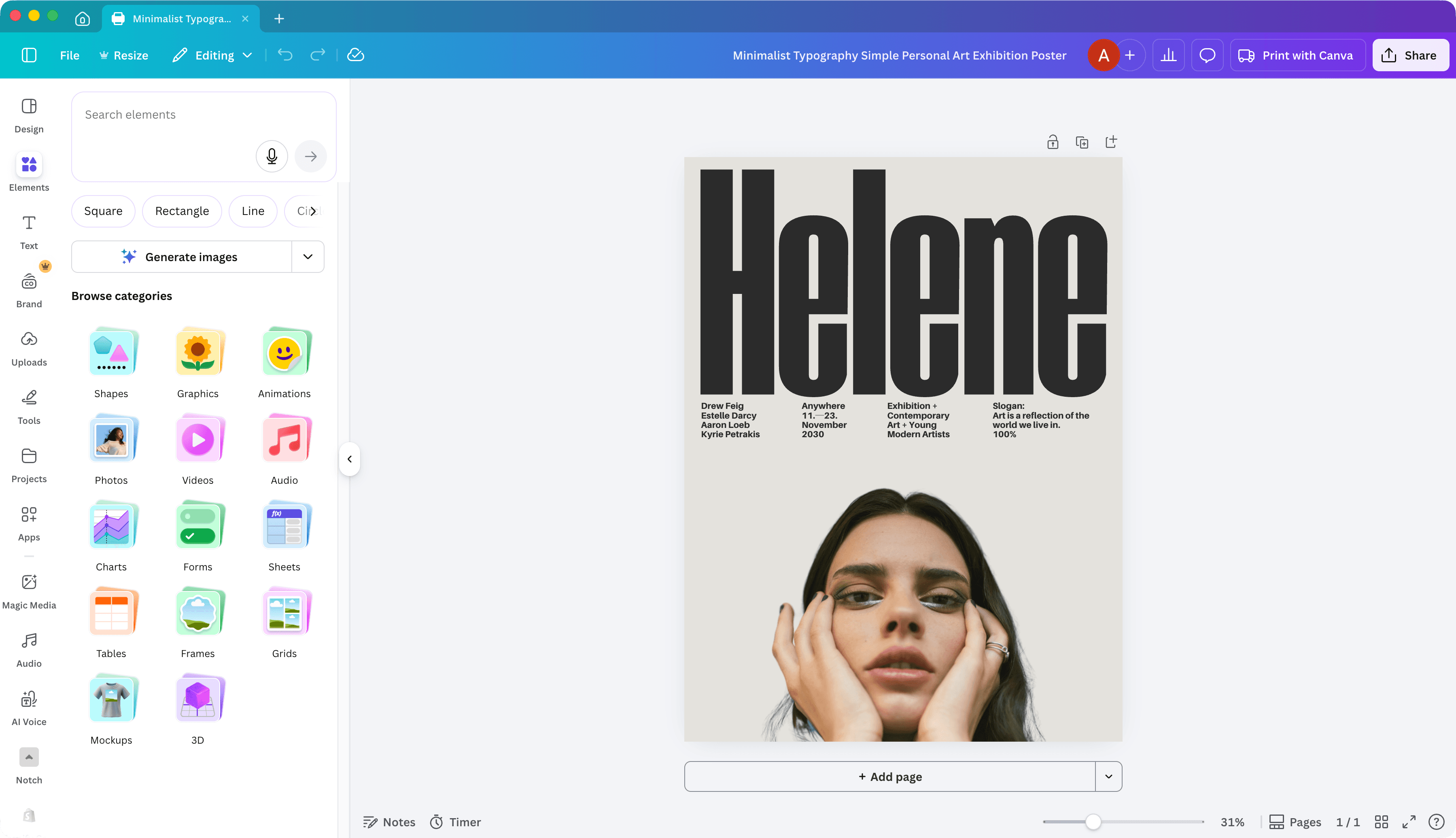
Novice users want the opposite. More breathing room. More explanation at each step. Complex flows broken into simpler steps with reassurance along the way that they're on the right track. You're trading speed for clarity.
A good example (sadly, if you're in the US 🇺🇸) is tax software. If you've ever watched a pro do your taxed, you'll have noticed that their software is a dizzyingly-dense wall of inputs. They know exactly where everything goes and want the shortest path between them and that field. Now compare that to TurboTax or H&R Block—one simple question per screen, lots of whitespace, helpful hints, and an AI chatbot ready to hold your hand. Same task, completely different users, completely different UI.
Why this matters
If you don't have clarity on who you're designing for, you're more likely to get pulled into wild goose chases. A single confused user causes a crisis of confidence, and all of a sudden you're redesign something that was working fine for your actual audience. Sure, everything can always be improved, but your time is probably better spent on the features your core users are asking for.
I'm not saying every design problem is like this. There are universal patterns that are good for everyone. Your buttons should look like buttons, and your contrast should be sufficient. But when it comes to information density, flow complexity, and how much hand-holding your UI provides, you're always making tradeoffs.
Getting your team aligned on this can save a lot of churn. Know who you're designing for, and you can tune out the noise of non-target users rubbing up against sharp edges that actually benefit other users.
So next time someone drops that Hotjar recording into your group chat, pause. Is this a real pattern, or one person? And even if they are struggling, are they the user you should be designing for?